 Sign In
 Create Account


 Follow Us on Twitter
 Like Us on Facebook
 Subscribe on Youtube


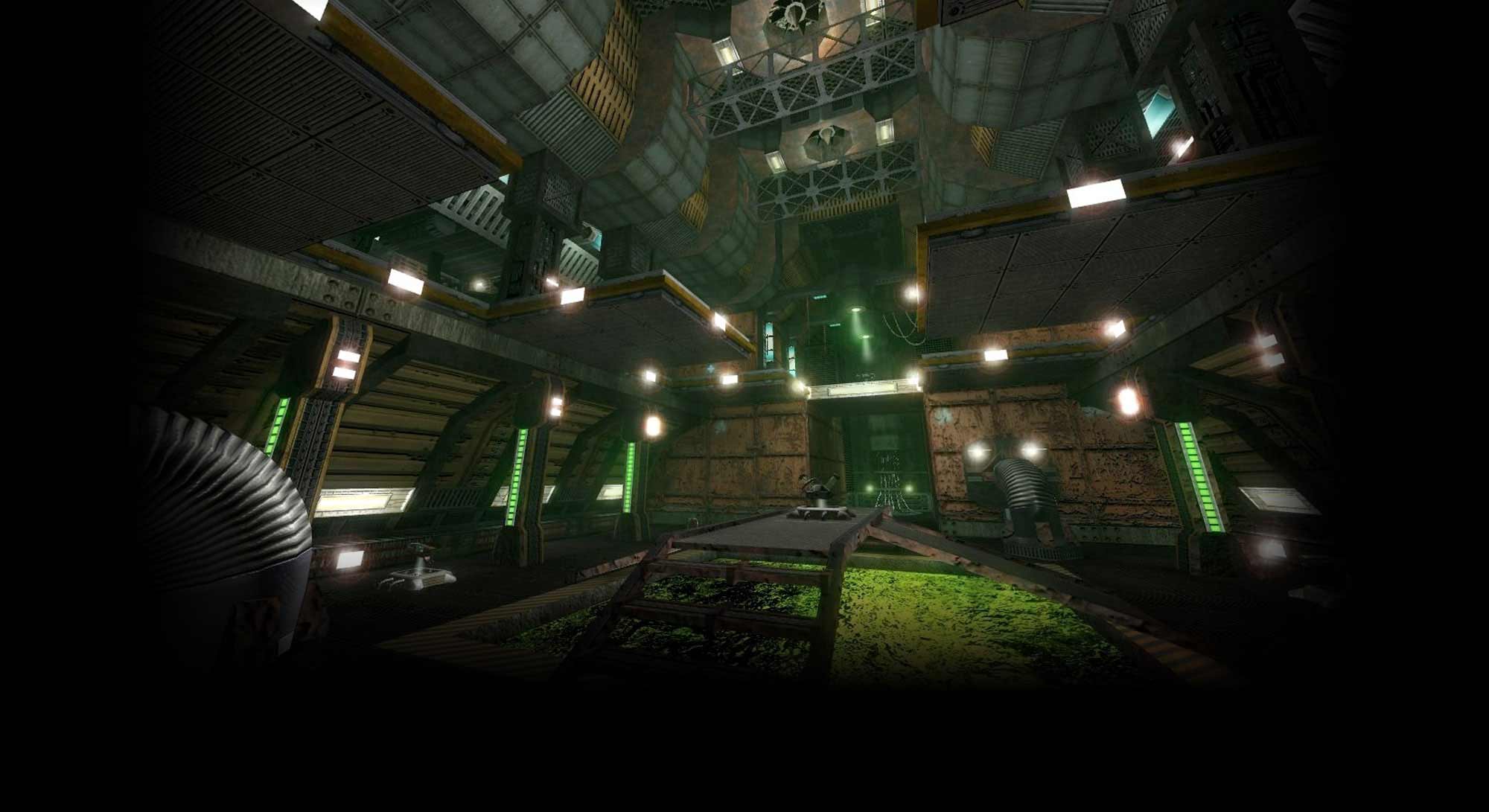
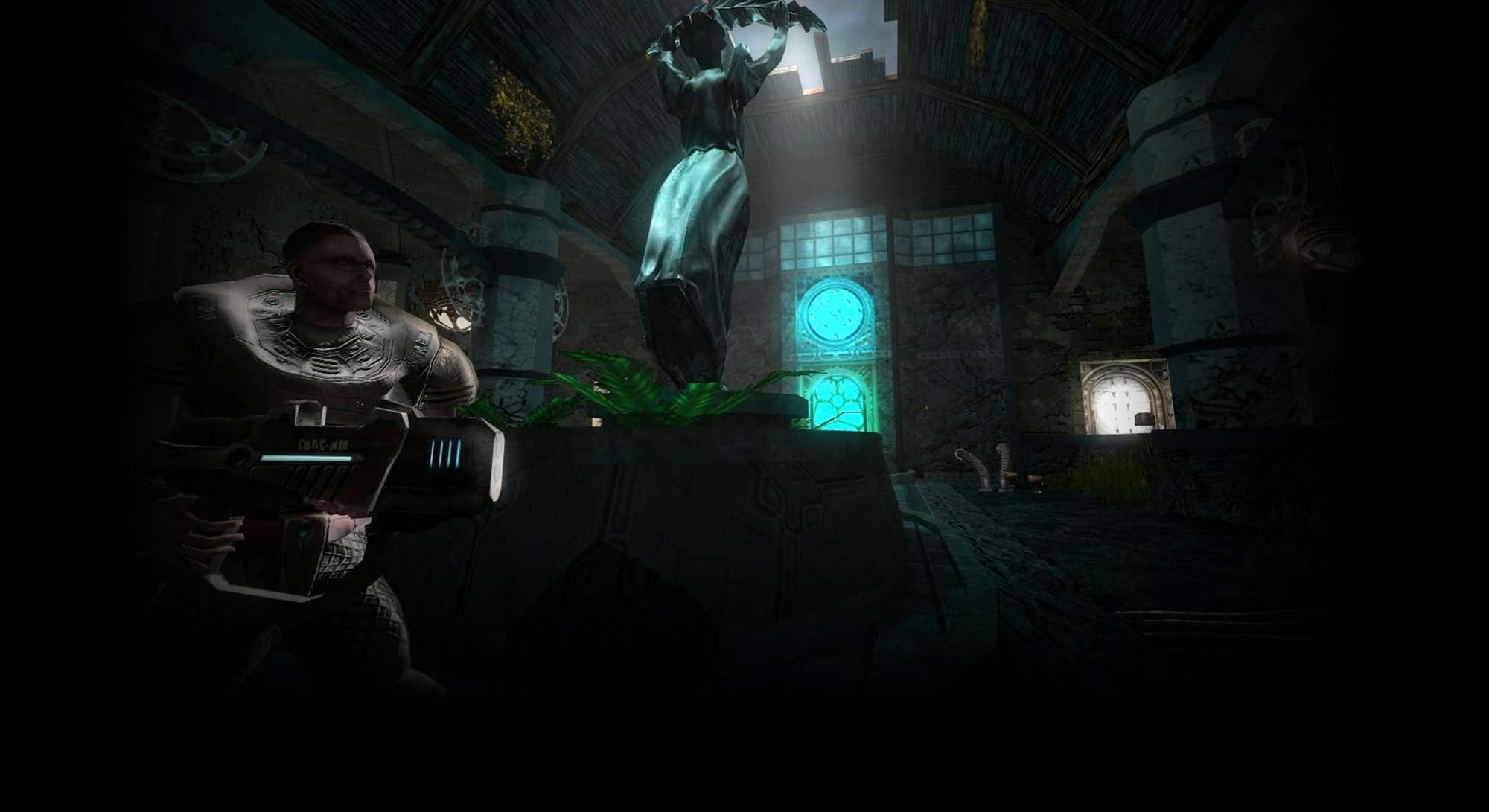

In order to run Operatin7 game, in compatibility mode, step-by-step instructions given below must be followed:
1.Log on to Windows 8 computer with the administrator or standard user account on which the application is to be run in compatibility mode.
2.Click Desktop tile from the Start screen to go to the desktop window.
3.Once on the desktop screen, click File Explorer icon from the taskbar.
4.From Libraries window, navigate and locate the OP7 executable file (.exe) of the application that is to be run in compatibility mode.
5.Once located, right-click the OP7 executable file.Alternatively shortcut icon of the application can also be right-clicked to run the application in compatibility mode.
6.From the context menu that appears, click Properties.
7.On the opened properties box, go to Compatibility tab.
8.On the selected tab, under Compatibility mode section, check Run this program in compatibility mode for checkbox.
9.From the enabled drop-down list, choose Windows 7 or XP WINDOWS to run the application in the compatibility mode of selected operating system.
10.Once done, click OK to save the modified settings.
11.Close the opened window and restart the game.

Windows 8 compatibility with OP7 !
Started by
pacfren
, Aug 31 2013 01:57 AM
-
 This topic is locked
1 reply to this topic
#1

 Posted 31 August 2013 - 01:57 AM
pacfren
-
- Members
-

- 853 posts
Advanced Member
- LocationSpain

 Back to top
 Report
#2
Posted 24 October 2013 - 07:33 PM
Fave
-

- Members
-
- 1,401 posts
espadaZ
- LocationGermany
- Clan:ɴʌτo™
I moved the topic because its more helpful if everyone can see it.
"The only ones who should kill, are those who are prepared to be killed." L.v.B.
0 user(s) are reading this topic
0 members, 0 guests, 0 anonymous users


